Track paid, forecast, and in-process payments in VixxoLink to reconcile remittances and follow up on outstanding invoices. The Payments page shows payment batches, included invoices, and export options for completed payments. Use filters to narrow results by date and status.
*If you are stuck and need assistance, please call 866-988-5376 — Option 1 for invoices already submitted (payment status), Option 2 for help submitting an invoice or quote, Option 3 for VixxoLink technical support, Option 4 for dispatch/service-request questions — or click the Submit a Ticket button at the top right.
1. Navigate the Payments Page
- Click Payments in the navigation bar at the top of the screen.

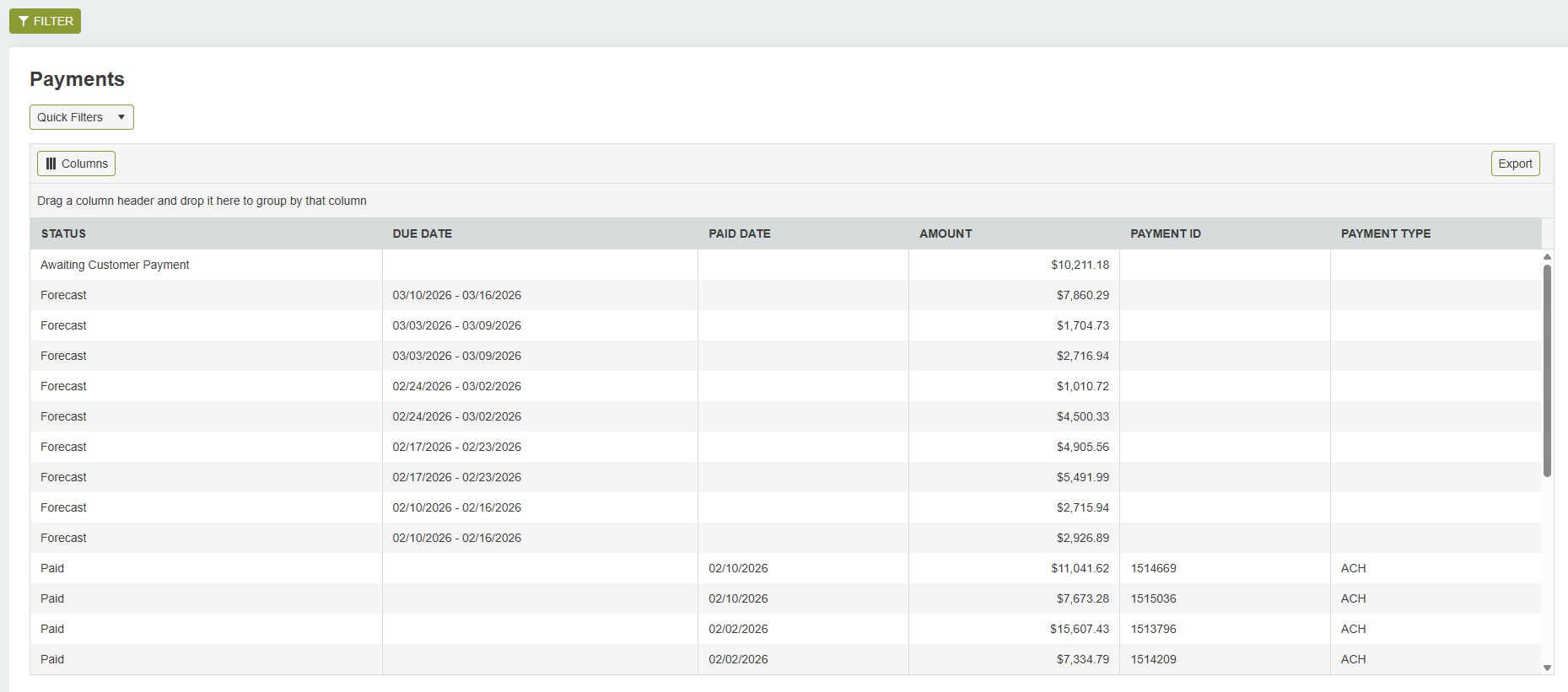
- By default, all sub-statuses display (Paid, Forecast, Awaiting Customer Payment, Payment In Process). Click Filter at the top left to narrow results.
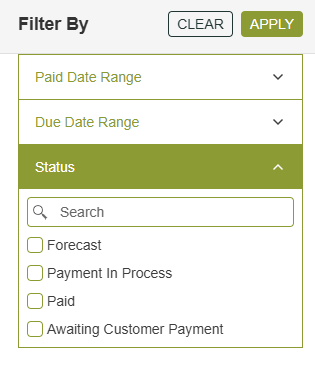
- Filter by Paid Date, Due Date, or Status. Click Apply to filter or Clear to remove filters.
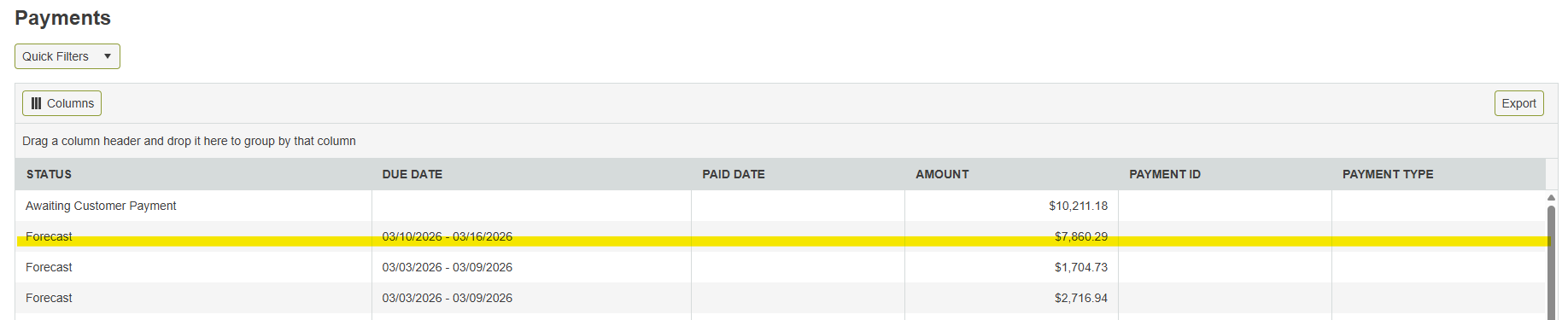
- Click any row to view payment details.
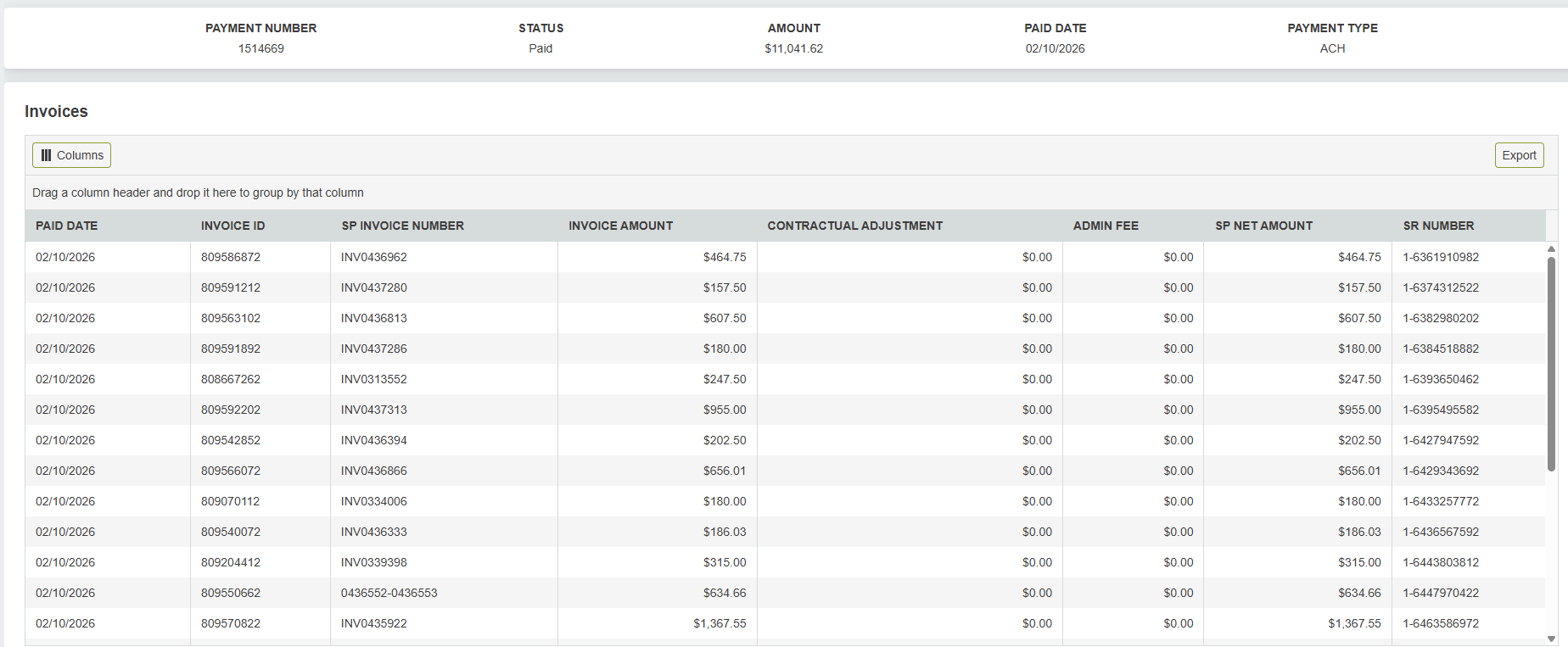
- For a past payment, you will see the payment reference number, total amount, payment type, and invoices included. Export to Excel is available. Click an invoice row to open that service request.
2. Forecast and In-Process Payments
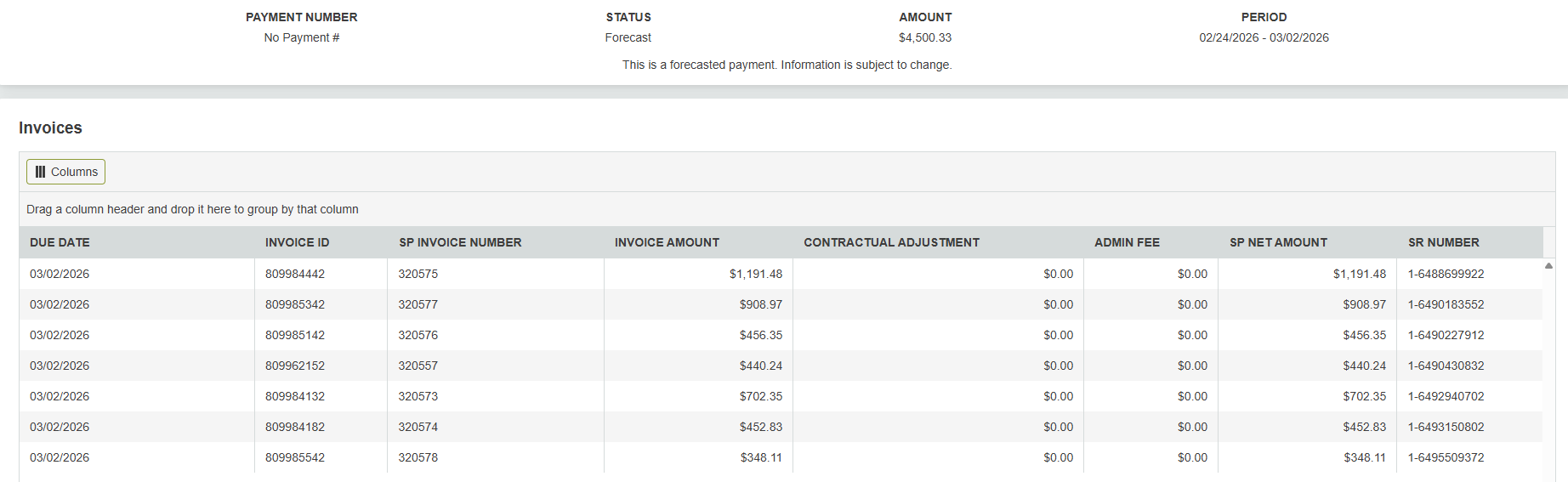
For forecast or payment in process entries, you will see the estimated amount and invoices expected to be included. There is no payment reference number or export function because amounts and dates are subject to change. You can still click a row to review a specific invoice.
For payment-status questions on submitted invoices, call 866-988-5376, Option 1 or email aphelp@vixxo.com.
Quick Reference — Payment Statuses
| Status | What it means | Action |
|---|---|---|
| Paid | Payment issued; reference number assigned | Match remittance to invoices; export if needed |
| Forecast | Approved invoice scheduled for future payment run | Monitor expected pay date; amounts may change |
| Payment In Process | Being processed in the current payment run | Expect remittance on next run date |
| Awaiting Customer Payment | Customer-funded work; payment pending customer | Monitor; contact AP if overdue |
Related articles:
Was this article helpful?
That’s Great!
Thank you for your feedback
Sorry! We couldn't be helpful
Thank you for your feedback
Feedback sent
We appreciate your effort and will try to fix the article